Hello, I’m Ahmed, a Design Engineer.
I accelerate business growth through product design & design engineering. For eight years I’ve turned ideas into shipped products, thinking in systems and building the ones that help the work scale .
I accelerate business growth through product design & design engineering. For eight years I’ve turned ideas into shipped products. I think in systems and build the ones that help the work scale.
Selected work
Each one follows a single problem from the constraint that created it to the product that shipped.
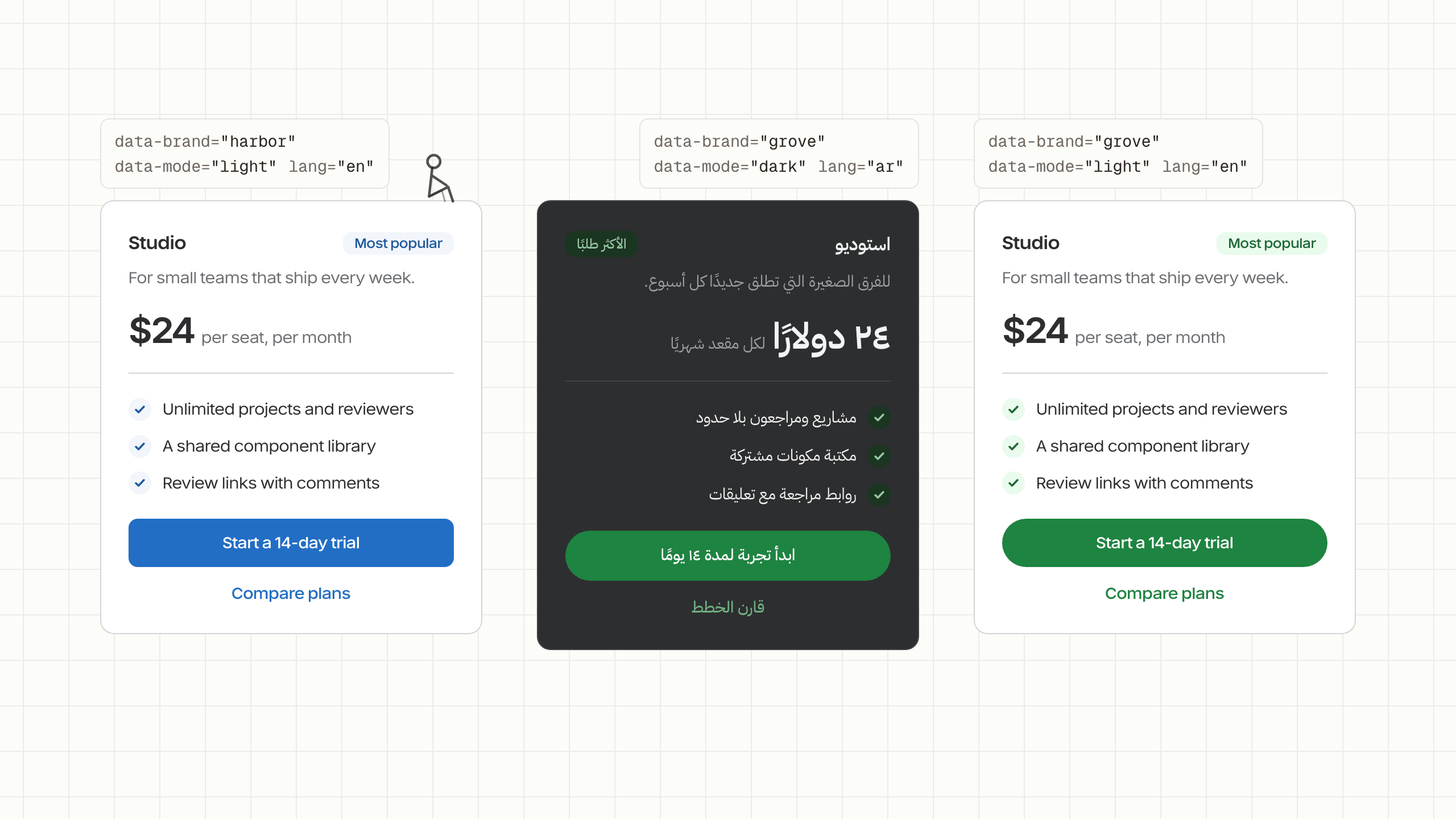
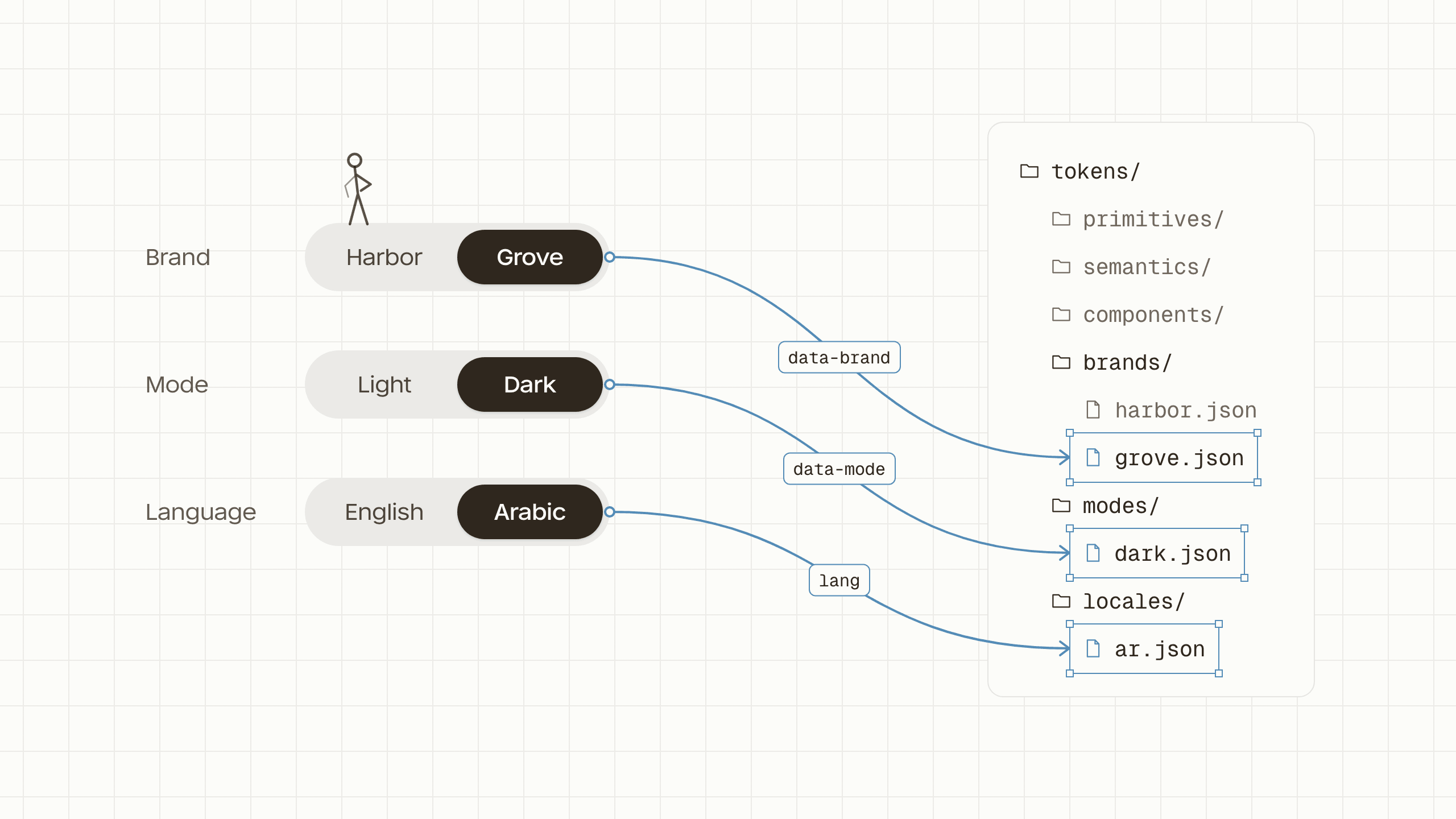
- Design systemsDesign engineeringFront endThe design system anyone could build with
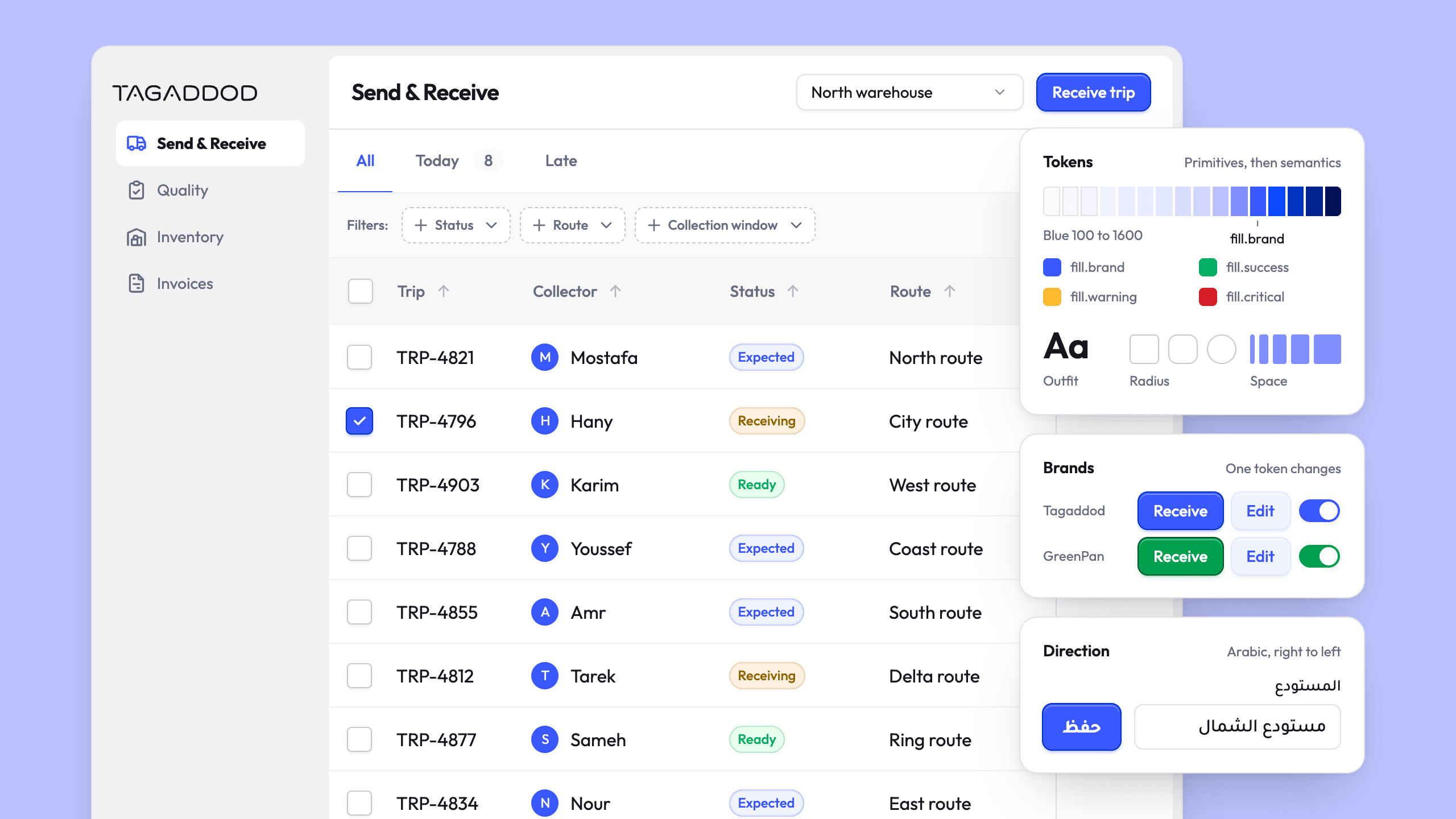
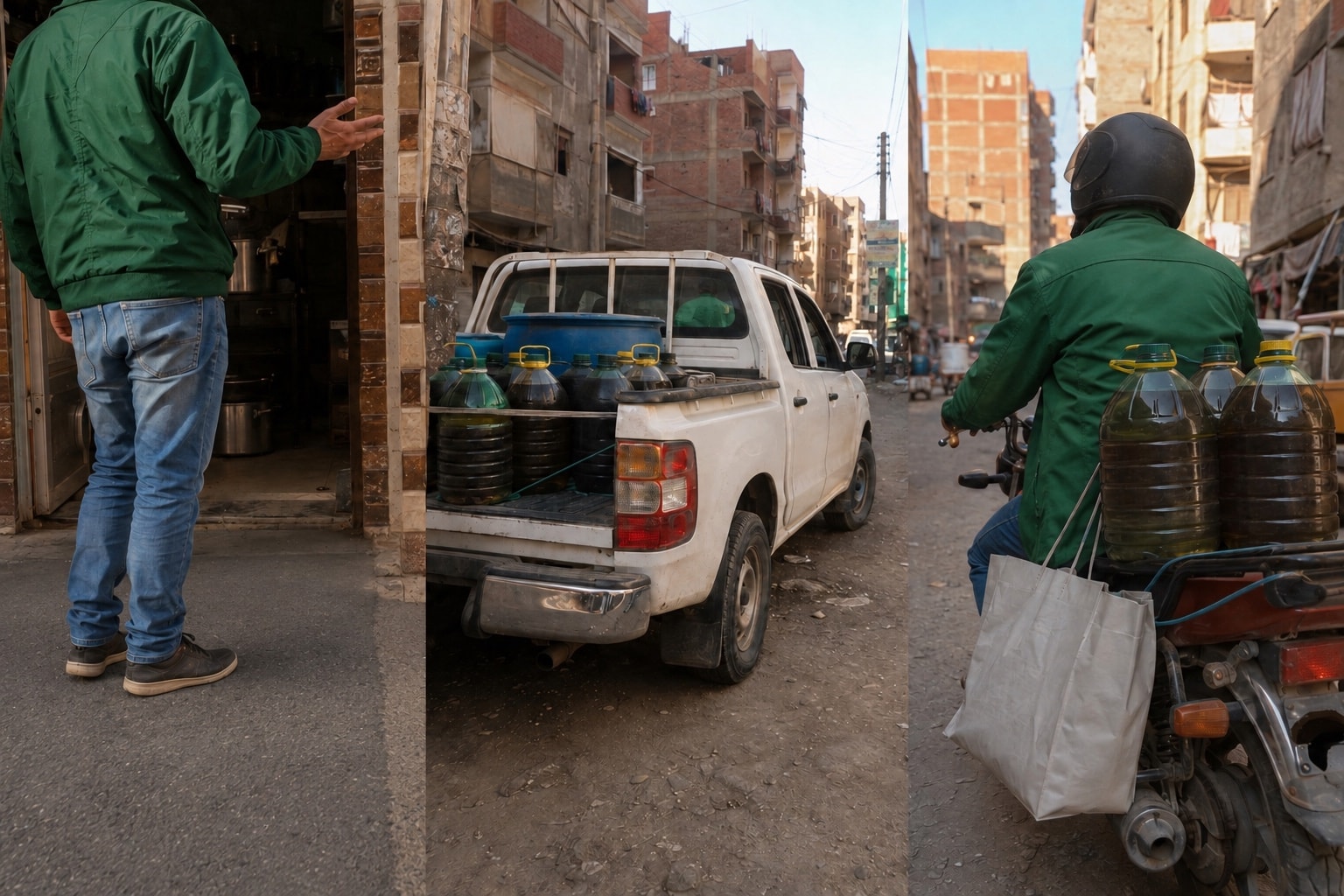
- Protected.Product designFront endAPIThe warehouse hub I built from A to Z to stop a seven-figure oil loss
- Protected.UX researchProduct designInformation architecture8% less wasted time from a field app designed to cross job titles and borders
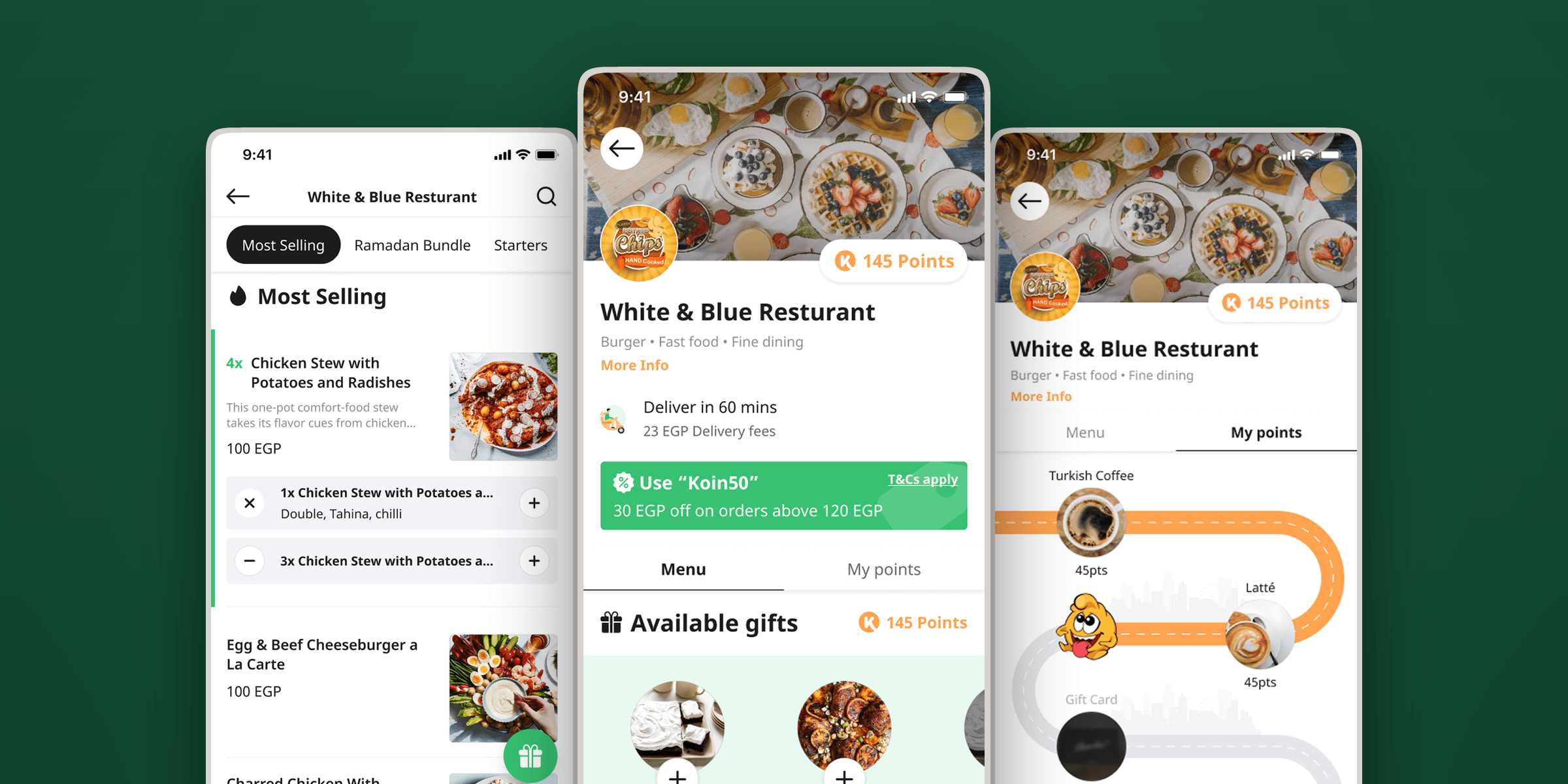
- Interaction designUX researchInformation architecture3.6% more orders from a menu customers kept leaving

Beyond the case studies
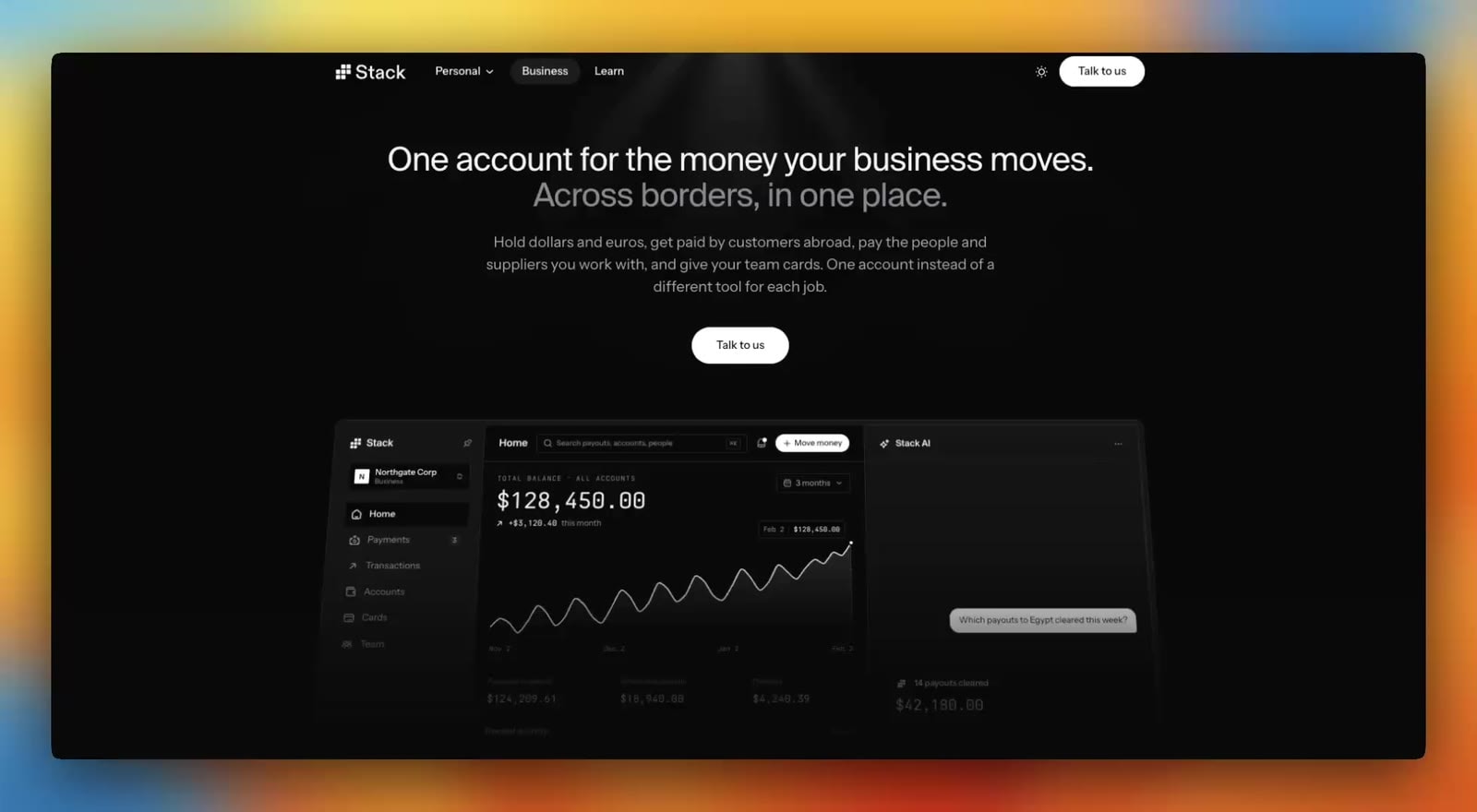
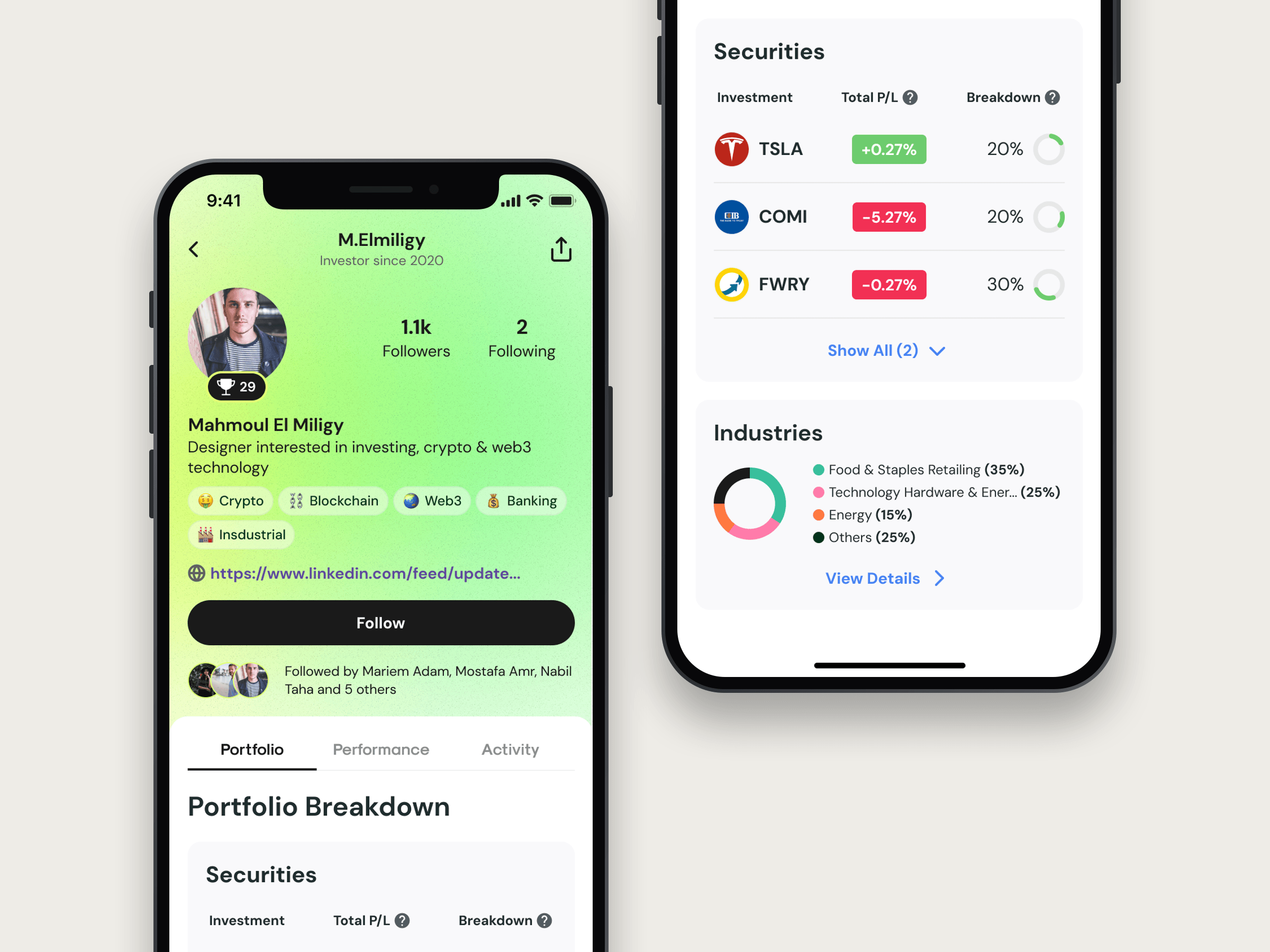
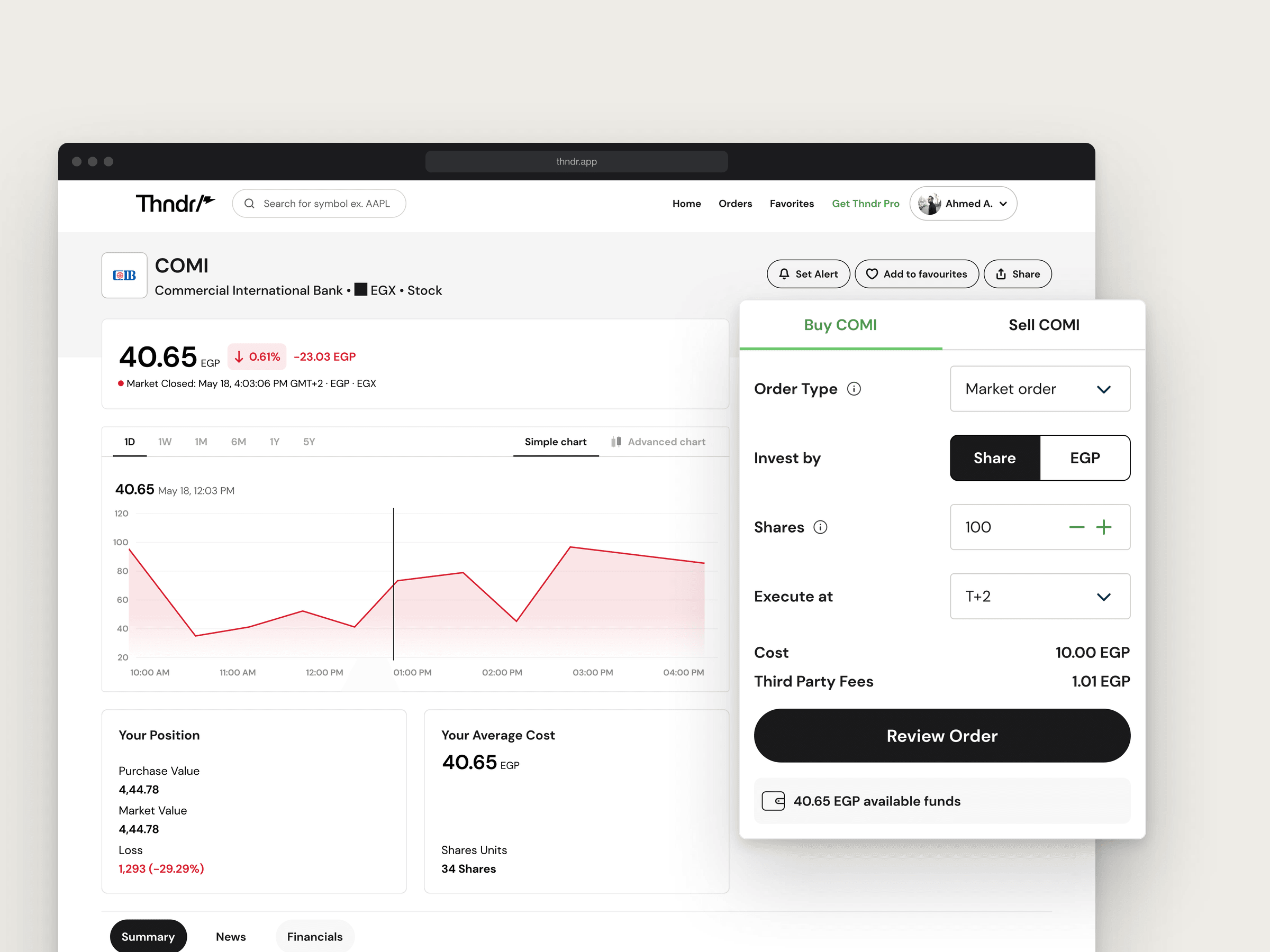
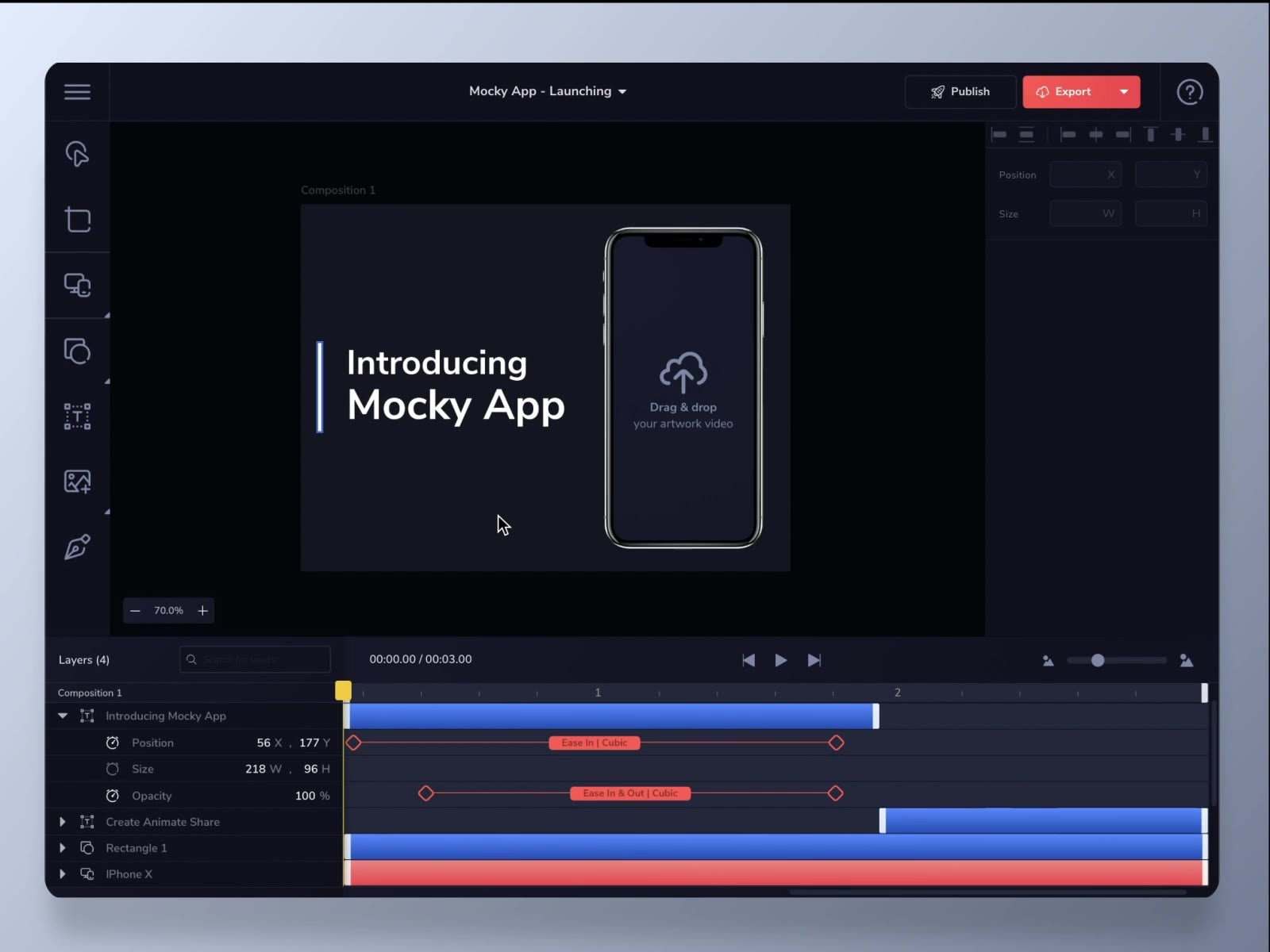
Landing pages, web apps and a mobile concept. Open one to see it in full.

Recently built
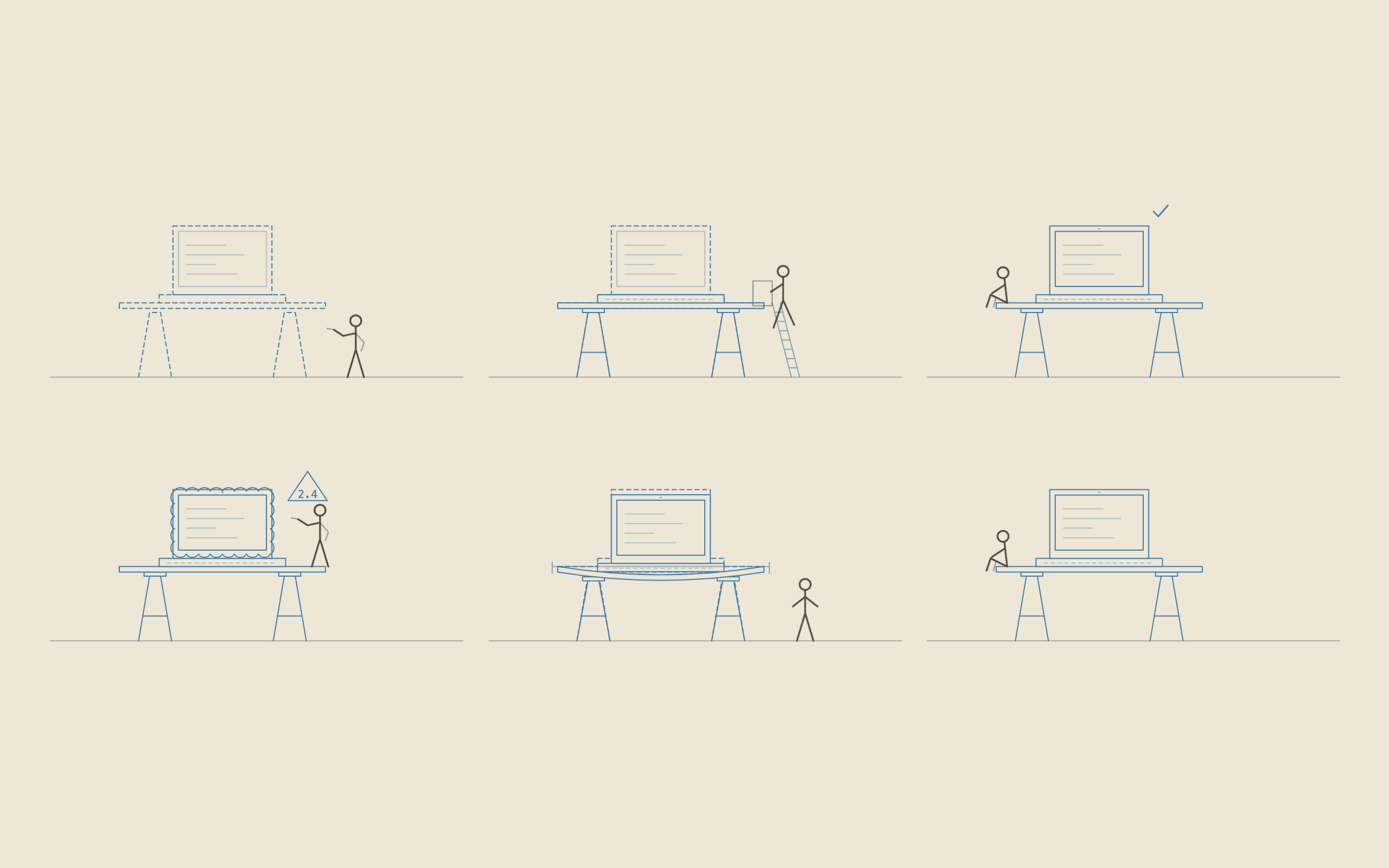
See all lab notes- An agent skill that draws any object as a blueprint line drawing that inks itself inIllustrations that are set out, go up, get signed off and lean like buildings.
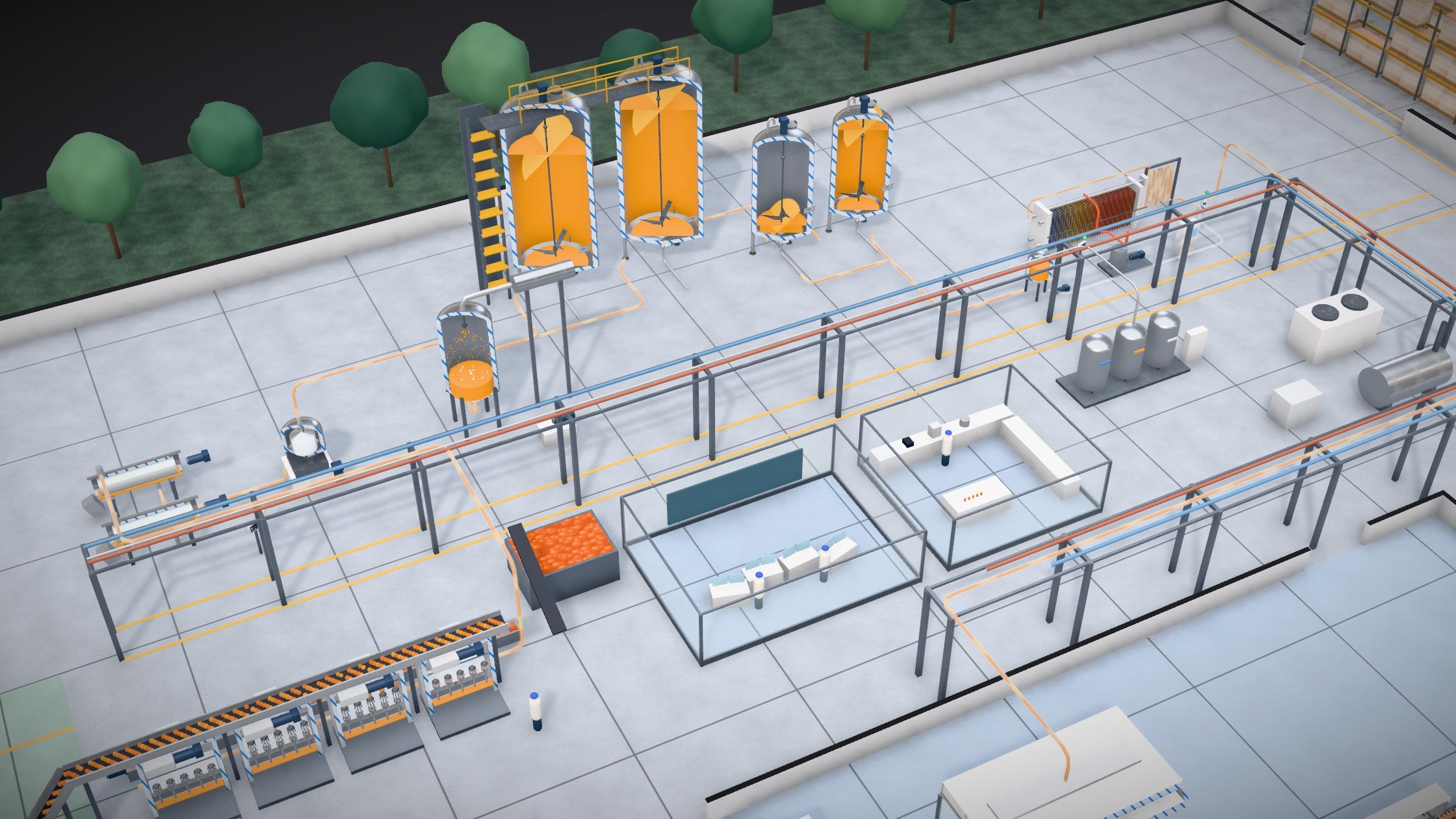
- Follow one orange through a juice factoryA juice factory in the browser, from the fruit truck to the pallet.
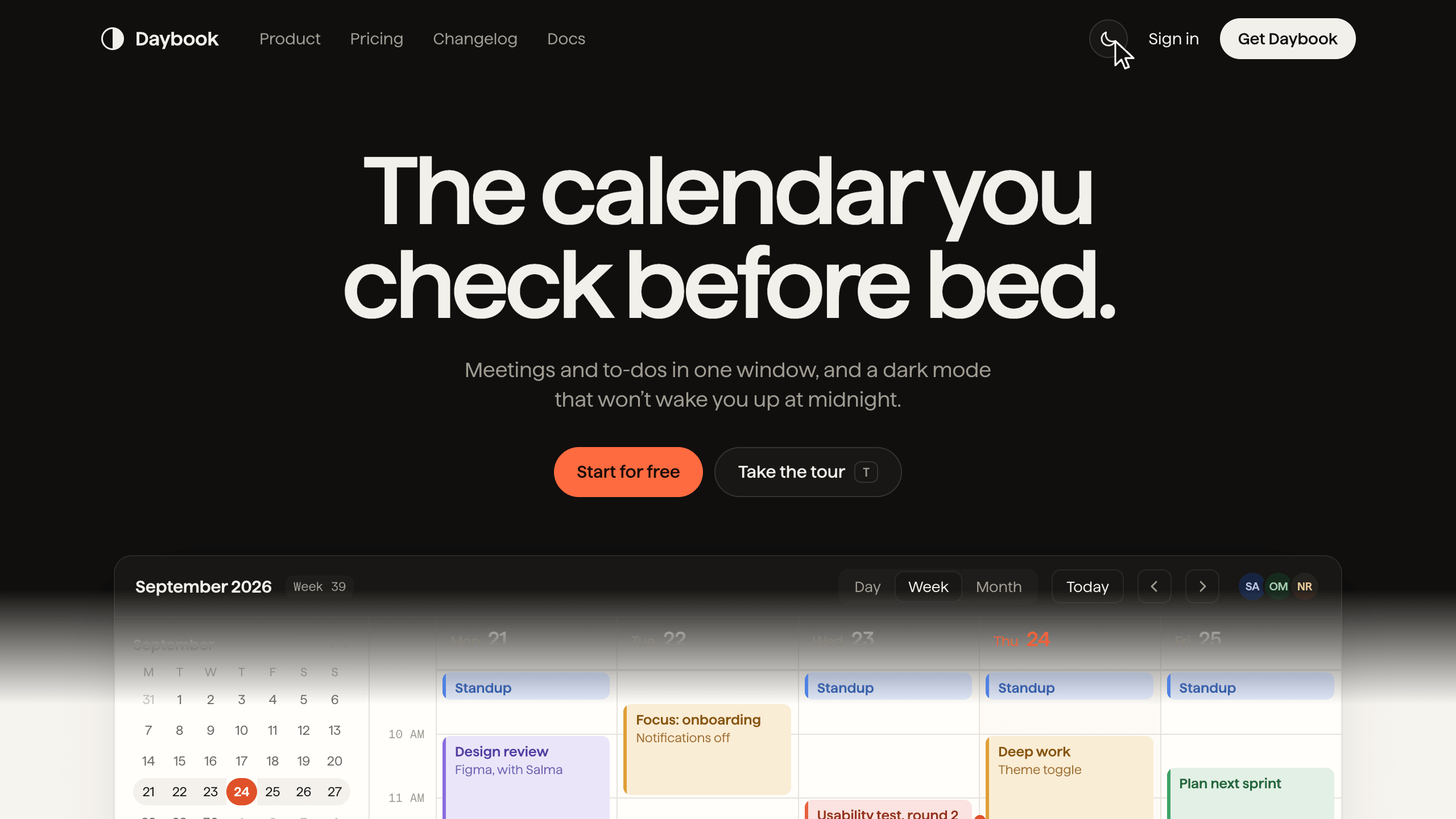
- Soft-edged theme wipeHow to build a light and dark switch that wipes down the page behind a soft edge, one CSS rule at a time, on the View Transitions API.
Recently written
See all writing- Part 1 A design system is a set of decisions, and the code is where they liveWhy a design system exists, and why the code is the part a designer should understand.
- Part 2 Decide the switches first, and the folders followSwitches, folders, GitHub, a check on every pull request and the first rules for the agent.