Skip to content

Mocky app

Web appsInteractionMotion
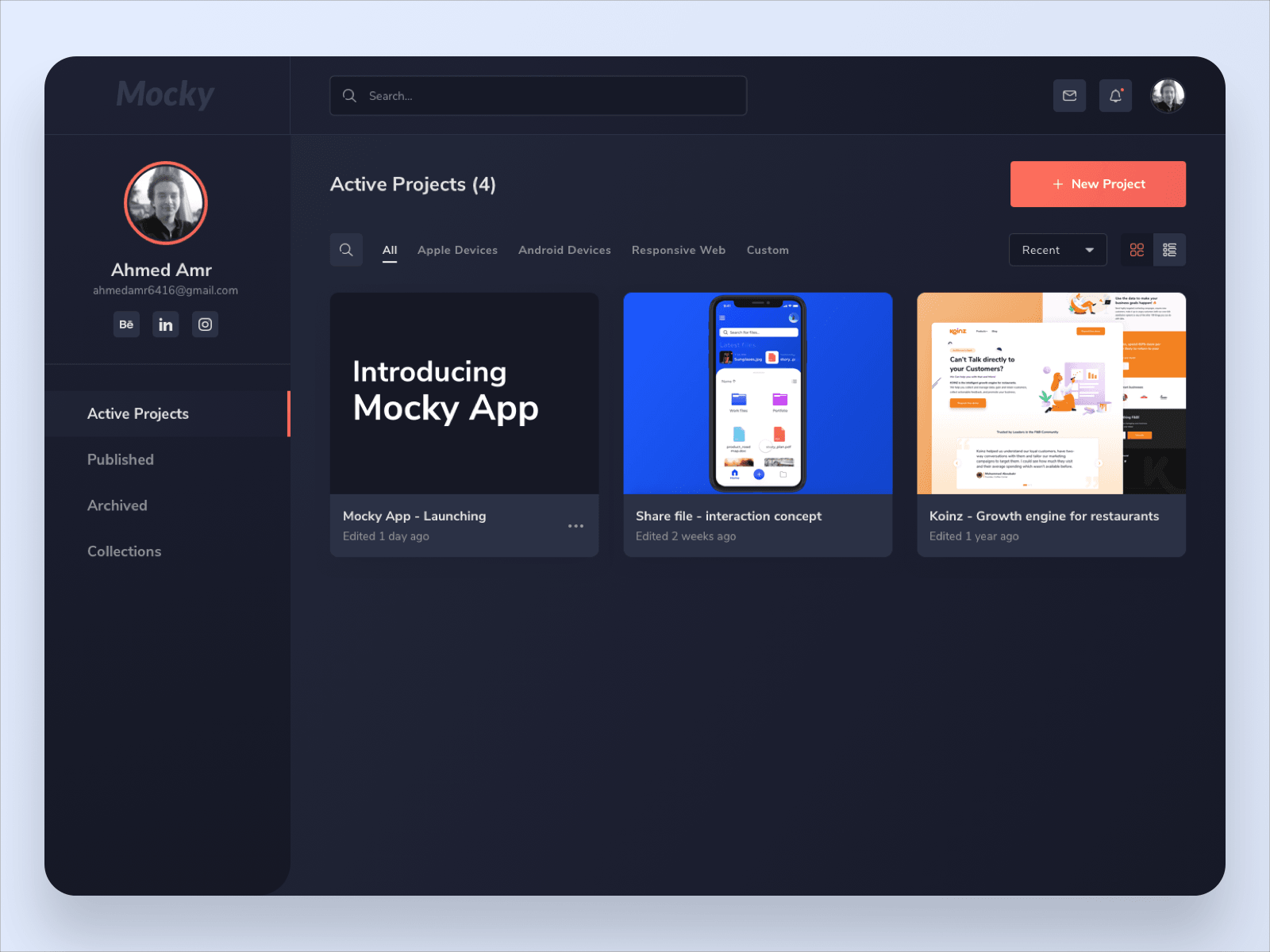
The Mocky projects dashboard, headed Active Projects (4), with three cards across it and a New Project button in coral. The sidebar carries the account, then Active Projects, Published, Archived and Collections.
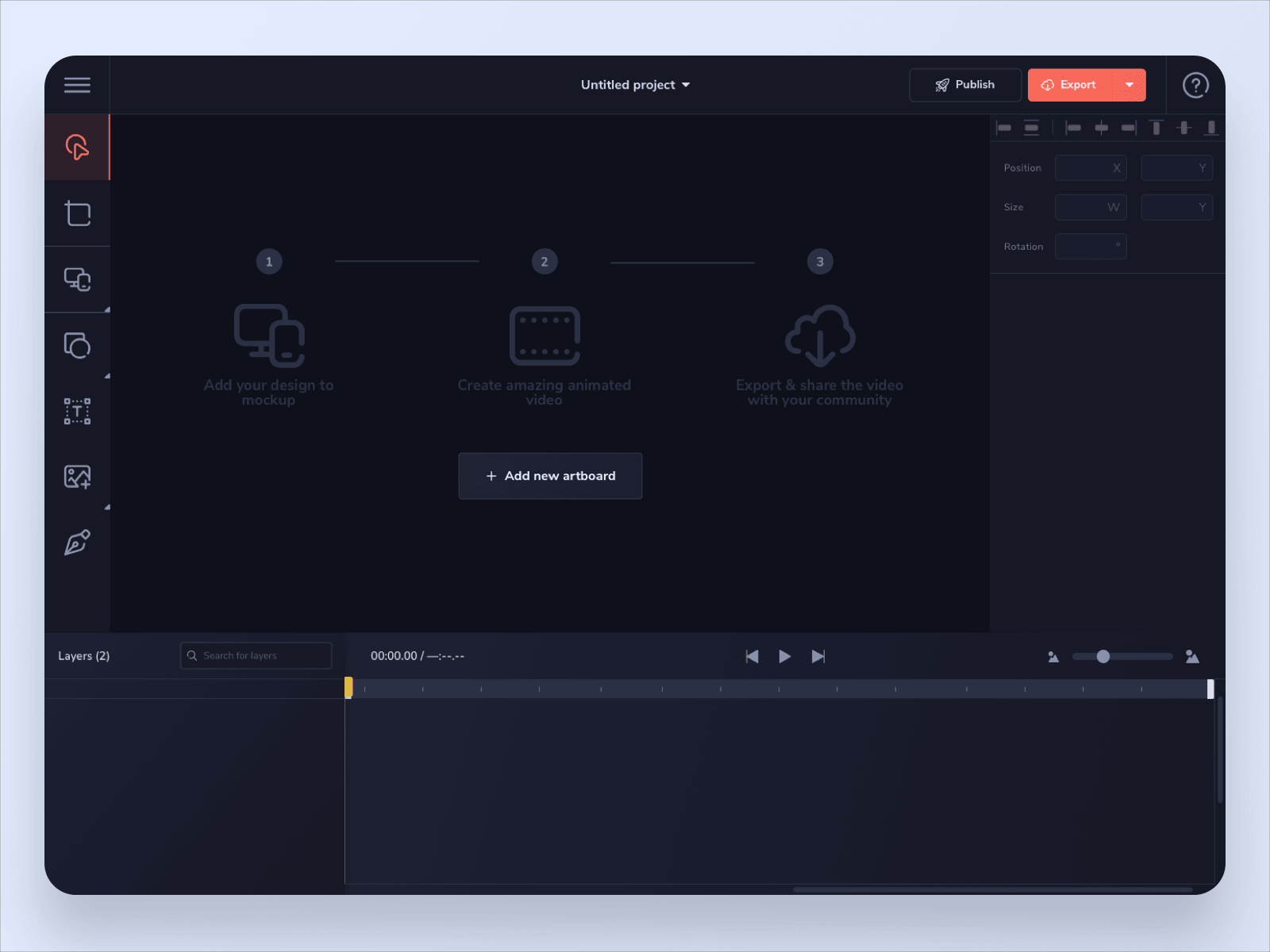
An untitled Mocky project before anything is in it. The canvas holds a numbered primer — add your design to a mockup, create an animated video, export and share it — over an Add new artboard button, with an empty timeline underneath and the layer tools down the left.
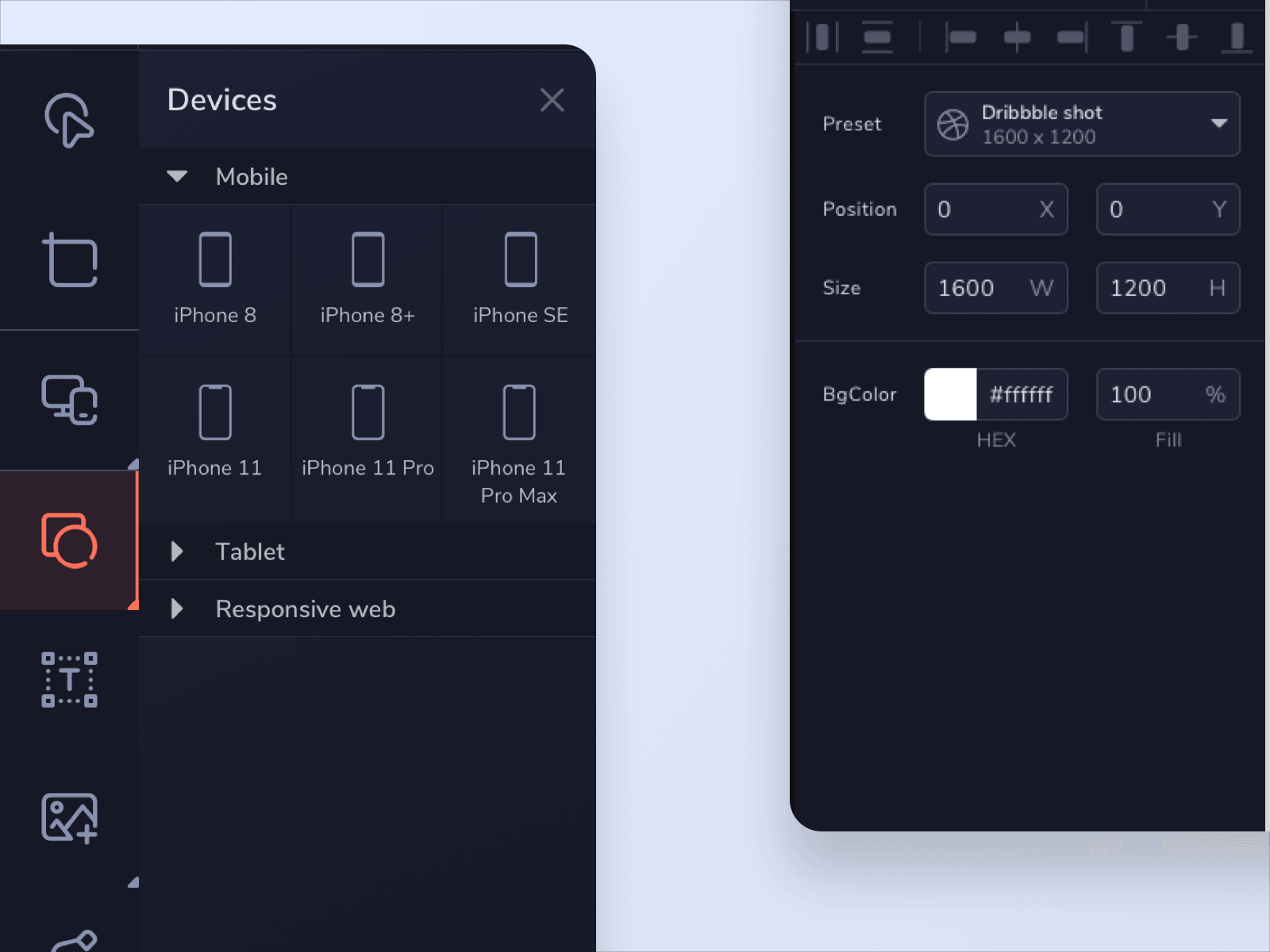
The devices panel open over the editor, listing iPhone 8, 8+, SE, 11, 11 Pro and 11 Pro Max under Mobile with Tablet and Responsive web folded below. The inspector on the right is set to a Dribbble shot preset at 1600 by 1200.
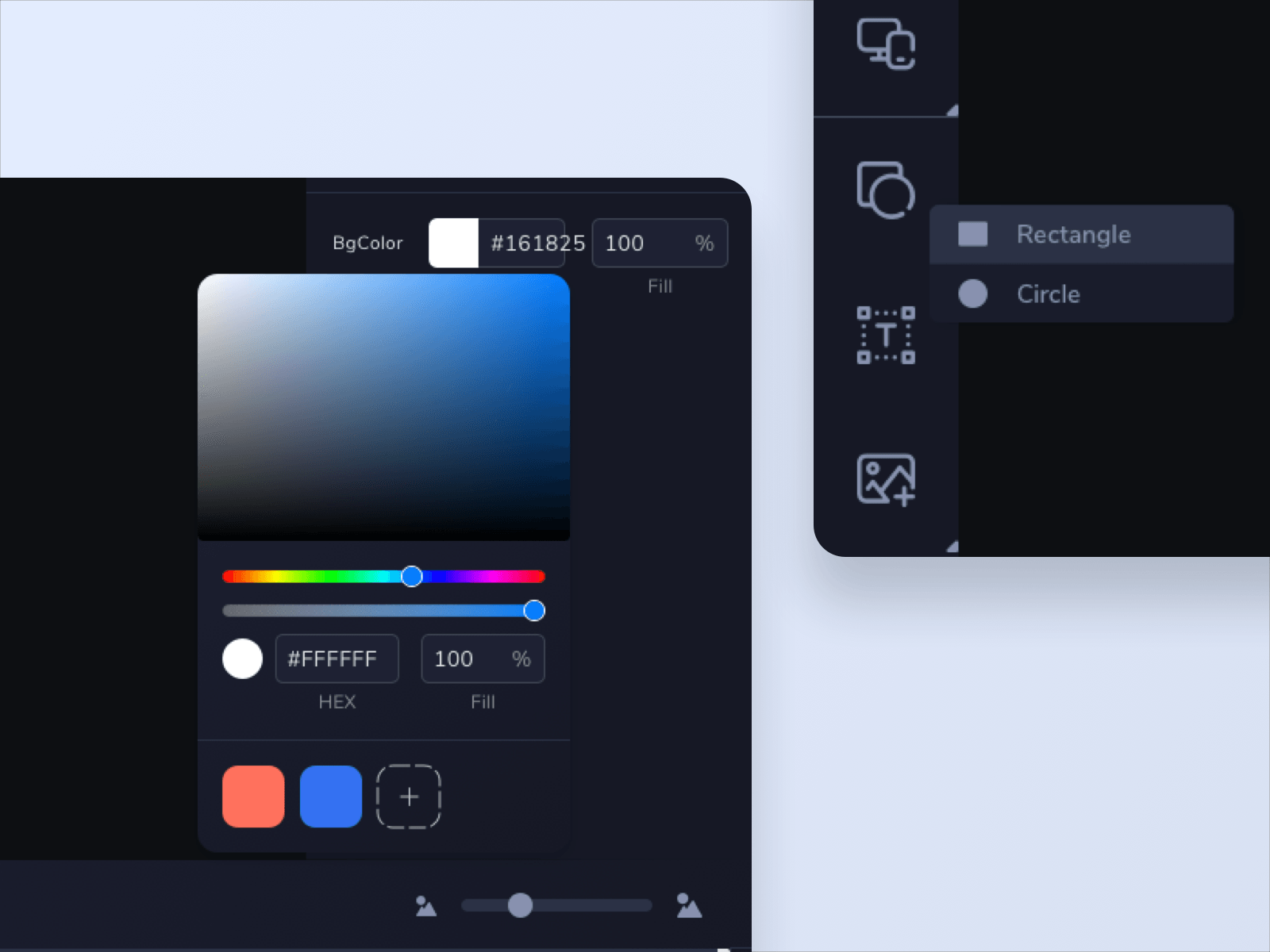
A close view of the artboard colour controls: a saturation field over hue and opacity sliders, hex fields reading #161825 for the background and #FFFFFF for the fill, and a row of saved swatches. A shape menu offering Rectangle and Circle is open against the toolbar at the right.
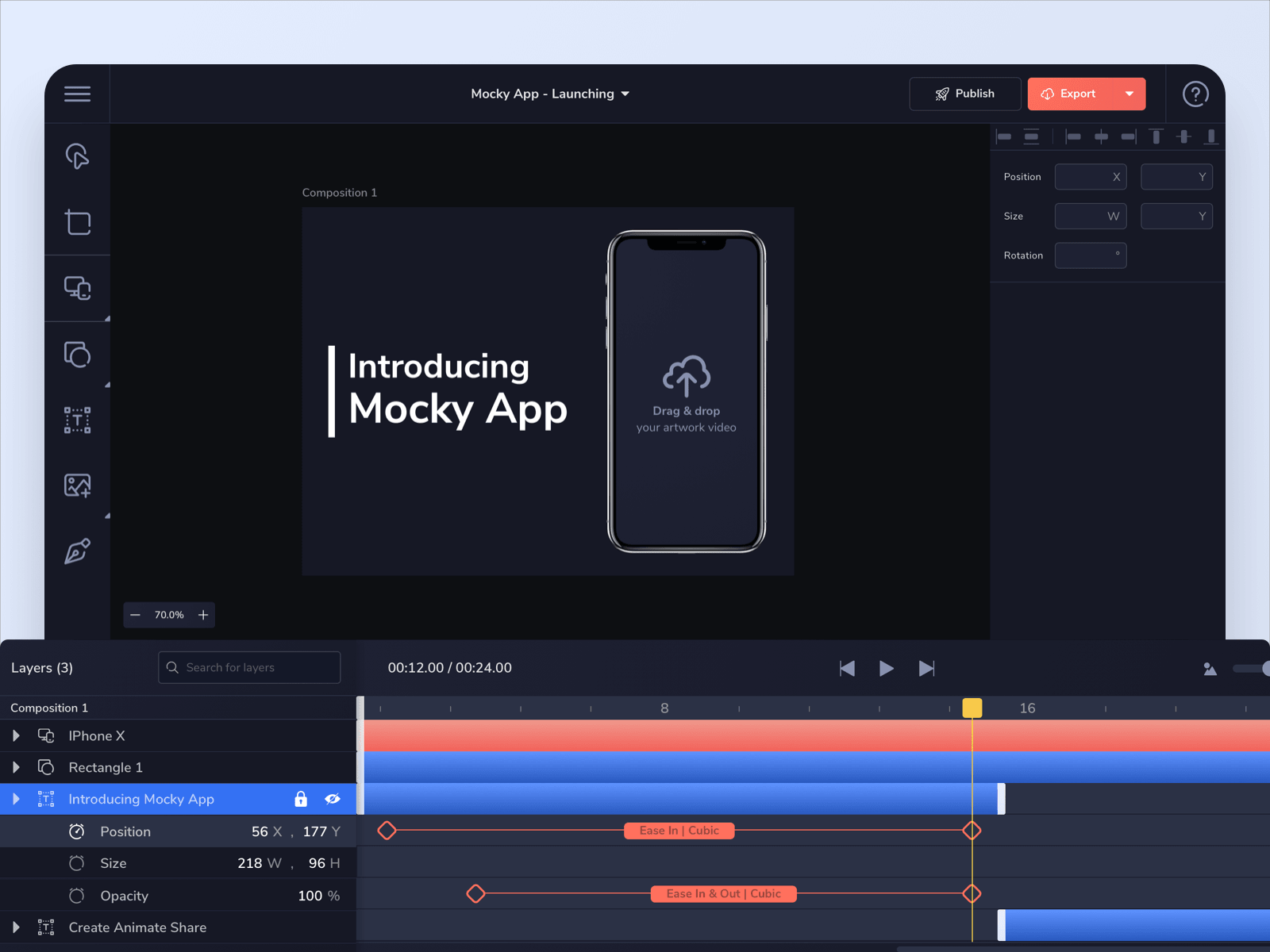
The finished Mocky App - Launching composition, an iPhone X mockup beside the Introducing Mocky App title. The timeline below lists the layers, with the title's position, size and opacity keyframed between diamonds labelled Ease In Cubic and Ease In & Out Cubic.